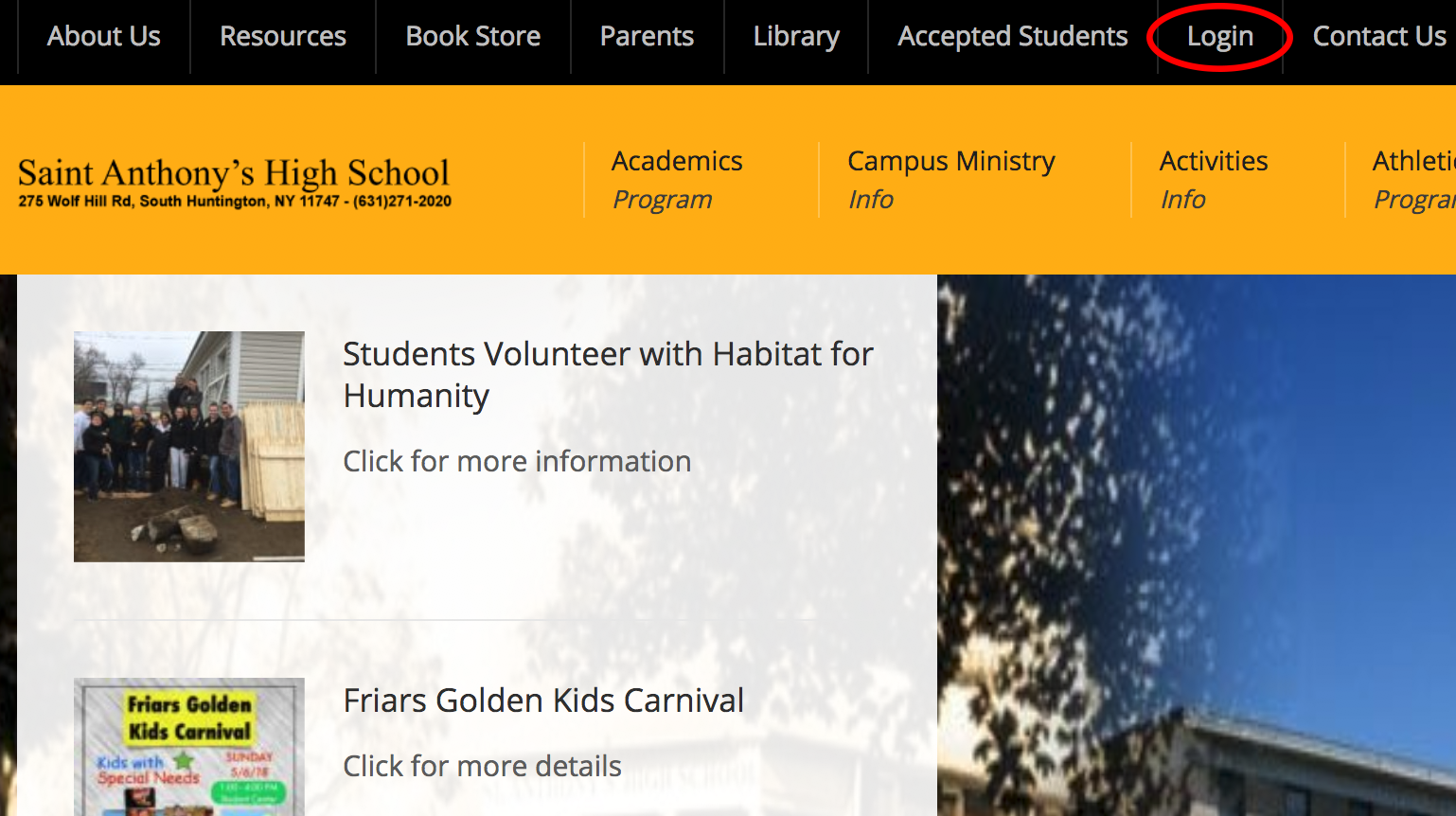
Step 1. – Log onto the SAHS portal by clicking login at the top of the SAHS website
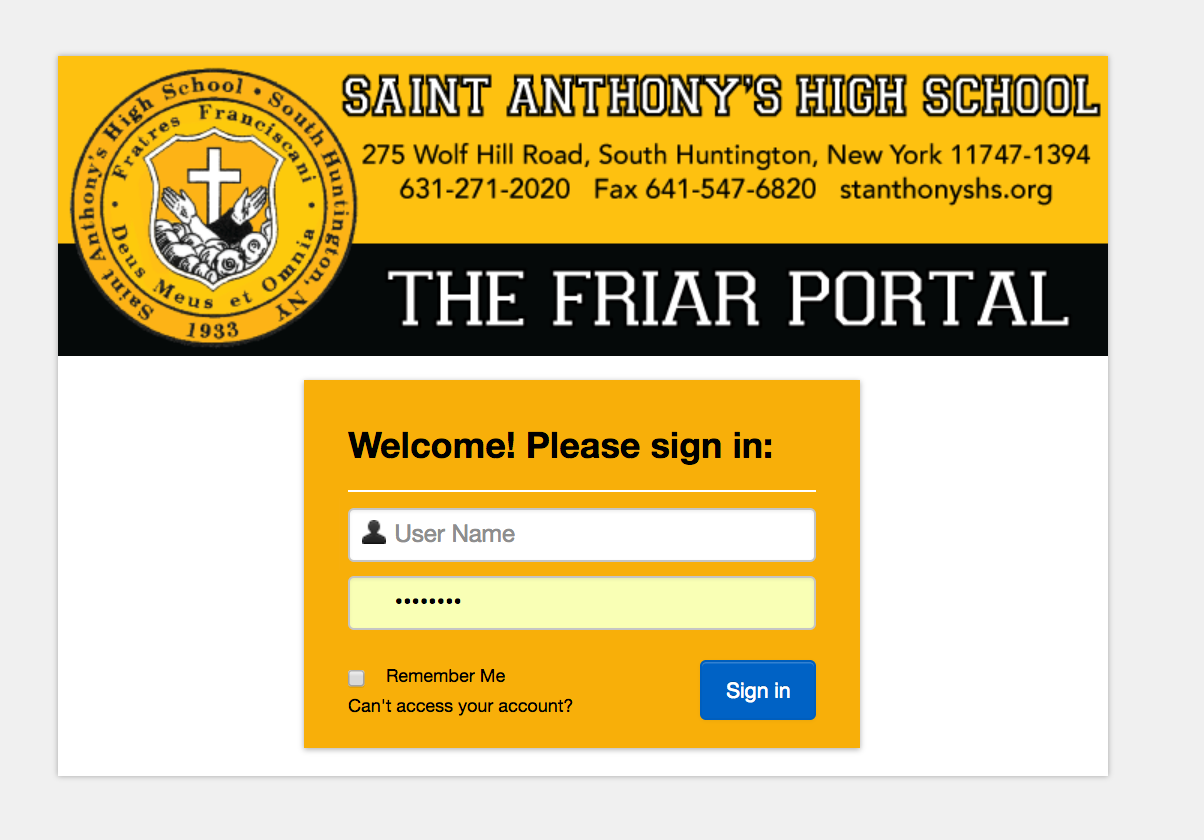
Step 2. – Enter Login Credentials ( email address and password)
** If you are experiencing accessing your portal please visit this link for support: https://www.stanthonyshs.org/portal-support/ **
Step 3. – Click the arrow next to your name to activate dropdown list. Select “Edit Demographics”

Step 4. – Fill/edit all contact information fields.
- Salutation
- First Name (Parent)
- Last Name (Parent)
- Address, City, State, Zip etc.
- Phone

Step 5. – Click “Save”.